Oddspointer MCP – odds in ChatGPT, Claude, Telegram and X
Connect Oddspointer to ChatGPT, Claude, Telegram and X. Ask for best odds, sure bets and value bets right in the chat – free.

Text: William Rosberg
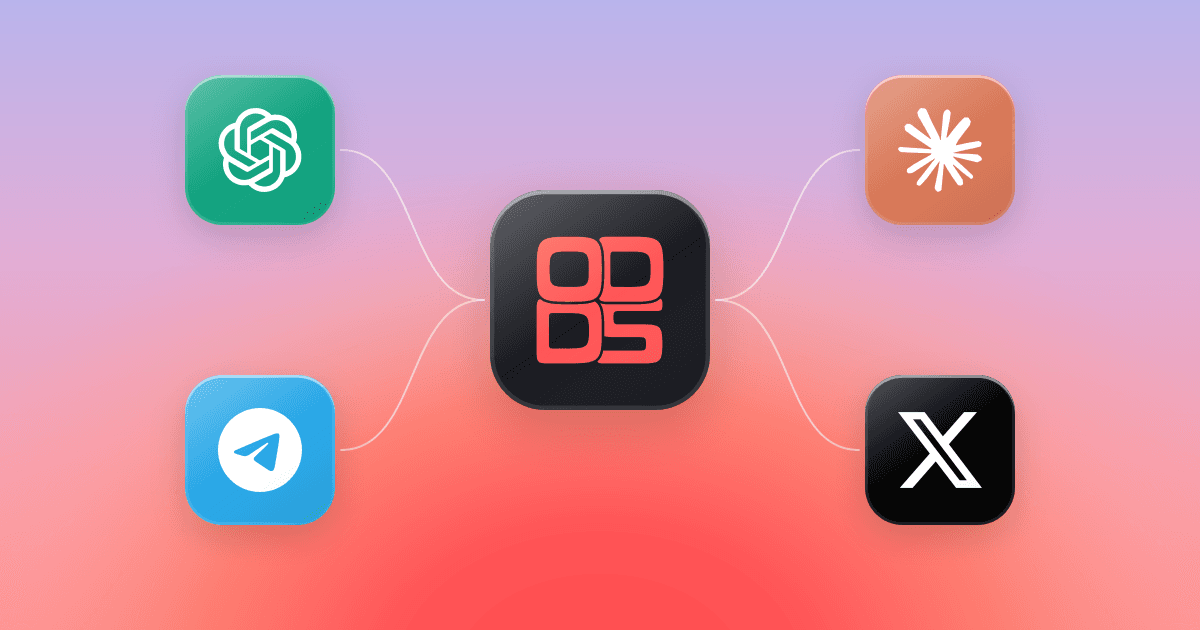
With Oddspointer MCP you ask questions about odds, bookmakers and matches right inside your AI assistant. Connect Oddspointer to ChatGPT or Claude and get answers based on the same odds you find in our odds comparison – without leaving the chat.
What is MCP?
MCP (Model Context Protocol) is an open standard that lets AI assistants fetch information from external services. The Oddspointer MCP server gives the assistant access to our odds, matches and bookmakers, so it can answer with current numbers instead of guessing.
What can you ask about?
Once Oddspointer is connected you can, for example, ask the assistant to:
- find the bookmaker with the best odds on a given match
- show upcoming matches and leagues
- list surebets, value bets and hedge bets
- compare bookmakers
- add matches to your bet slip
Try, for example, “Which bookmaker has the best odds on Arsenal v Chelsea tonight?” or “Are there any surebets today?”.
How to connect?
You connect with the MCP address https://oddspointer.com/mcp. The steps differ slightly depending on which assistant you use.
ChatGPT
- Open ChatGPT and go to Settings → Apps and connectors (Connectors). Turn on developer mode if you don't see “Create”.
- Choose Create and paste the MCP address. Select OAuth for sign-in and name the connection “Oddspointer”.
- Start a new chat, choose Oddspointer under + and ask your question.
Claude
- Open Claude and go to Settings → Connectors.
- Choose Add custom connector and paste the MCP address.
- Turn on Oddspointer in the chat and ask your question.
Telegram
- Open Telegram and search for Oddspointer.
- Start the chat and tap Start.
- Ask for odds, for example “Who has the best odds on tonight’s matches?”.
X
- Open X and go to Oddspointer’s profile.
- Write a question in a post or reply to one of ours.
- You get best odds, sure bets and value bets back — for example “Are there any sure bets today?”.
Frequently asked questions about Oddspointer MCP
Does it cost anything?
Oddspointer does not charge for the MCP server. What ChatGPT or Claude require, for example a subscription for custom connectors, is decided by each service.
Are the odds up to date?
The odds come from the same data as the odds comparison on the site and are updated continuously. Odds can change quickly, so always check the odds with the bookmaker before you bet.
Can I place bets through MCP?
No. Oddspointer is a comparison service and does not take bets. You can ask the assistant to add matches to your bet slip, but you place the bet itself with the bookmaker.
18+. Gamble responsibly.